The easiest way to make a Halftone Inkbleed Effect in Adobe Photoshop

A while ago I saw an artwork by John Provencher where he made a halftone pattern in different sizes where the ink bled over to each dot, creating a metaball-like effect. Some people in the comments asked for a tutorial, so I experimented a bit and ended up with this result. Hope you like it!
How to make a procedural pixel outline in Adobe Photoshop

In this video we’ll use a clever filter stack to create these interesting pixel outline effects around your text.
How to design a 2000’s Trance CD cover

In this video I will show you how I create my vintage Trance CD covers that I used to blast when I was a kid. It’s a super fun design style to do so I decided to create some tools to speed up my workflow, which you can get for yourself too! Check out Trance […]
How to make Dither Animations with Dither Boy & After Effects
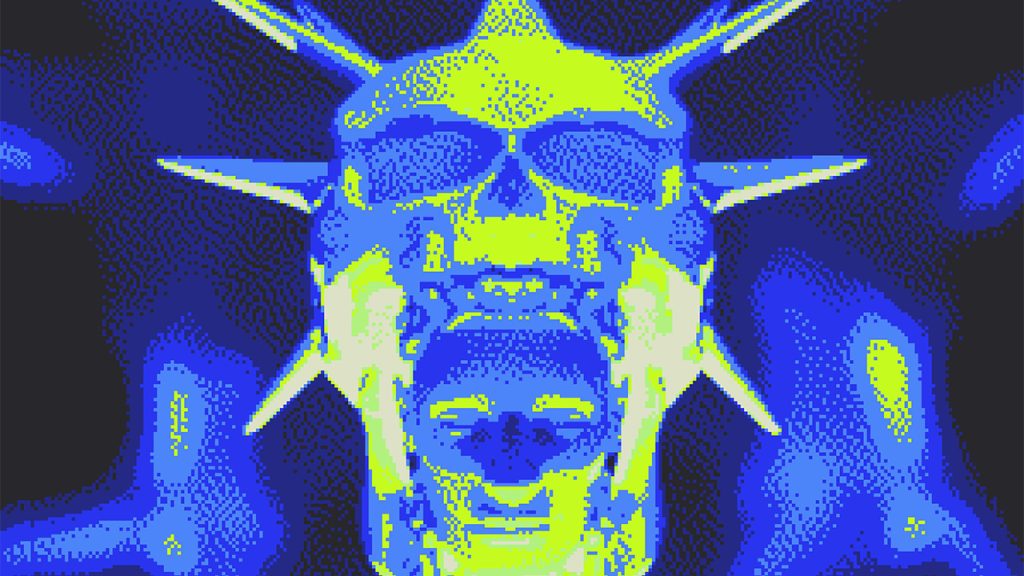
In this video I showcase my workflow on how to make dithered animations using Dither Boy by Studio AAA and Adobe After Effects.
How to Design Retro Video Game Titles

In this video I’m going to show you a couple of methods to turn your logo into a vintage arcade logo. We’re going to achieve this by Dithering. This can be done with Adobe Photoshop, but I also showcase a more convenient way: By using Dither Boy by Studio AAA.
How to make Pixel Art in Photoshop

In this video I will show you 2 easy techniques on how to create Pixel Art in Adobe Photoshop from virtually any photo or graphic! In the first part of the tutorial I’ll show you how to make monotone pixel graphics. This is perfect for pixel logo’s, text or icons. In the last part of […]
How to create a Matrix Virus effect in After Effects

In this video I will show you how you create an animated matrix type grid that generates both random text or binary code. This technique can be easily combined with luma matte techniques to create a cool pixellated reveal effect. It takes a bit to set up, but you can use it in a lot […]
How to make ASCII Art in Adobe Photoshop

ASCII Art is one of the earliest internet / computer based art forms and it’s still very popular today. In this video I wanted to showcase my workflow on how to create ASCII Artworks in Adobe Photoshop! Click here to go to the ASCII Art Generator.
How to make a Dotted Pixel Grid effect in Photoshop

In this video I’ll show you how to create this cool effect in Adobe Photoshop to make your design look it was dotted in a perfect pixel grid. The original tutorial comes from Ryan Scheuer.